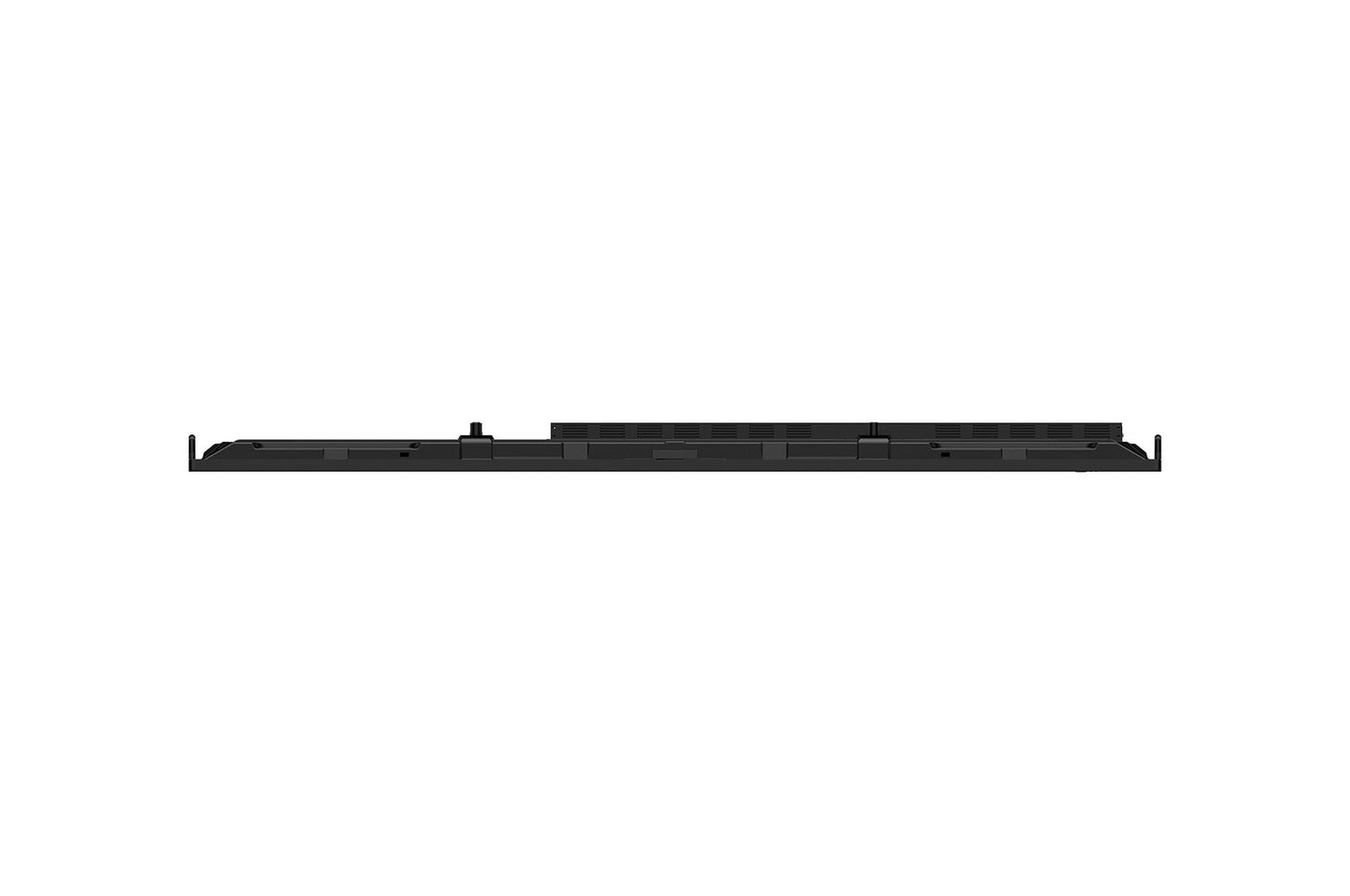
BRIGHTNESS400 nit (Typ.)Typical
 RUNTIME16-724 h x 7 days
 VESA MOUNT800 × 600 mmVESA
 ORIENTAIONLandscapeMounting
 BEZEL WIDTH25.6 / 15 / 15 / 43.5 mmT / R / L / B
86-inch 4K UHD interactive collaboration display
LG 86TR3DQ-B
The LG CreateBoard Standard 86TR3DQ-B is an 86-inch 4K UHD interactive whiteboard designed for corporate meeting rooms, training spaces, and educational environments. Built on Android 14 (EDLA) with Google certification, it combines a responsive IR multi-touch panel with LG's CreateBoard Lab software, wireless screen sharing, and built-in AI features including live subtitles, translation, and video summarization. With its powerful built-in speaker system, integrated microphone array, front-facing connectivity, and optional OPS slot for Windows operation, it delivers a fully self-contained collaboration solution that scales from small team huddles to large classroom instruction.

50-Point IR Multi-Touch on Anti-Glare Glass
The 86TR3DQ-B uses infrared (IR) touch technology capable of tracking up to 50 simultaneous contact points, with a touch response time of ≤5 ms and a minimum object size of just 2 mm — fine enough for a standard stylus or fingertip. The 3.2 mm tempered anti-glare protection glass (88% transmission) keeps the panel readable under typical office or classroom lighting without reflections washing out content. In practice, this means multiple participants can annotate, draw, or gesture on the board at the same time without lag or missed inputs — a meaningful difference compared to lower-point-count panels in busy teaching or brainstorming sessions. OS support spans Windows, Android, Linux, macOS, and Chrome, so touch works across every connected device without driver headaches.

Android 14 (EDLA) with Google Certification
Running Android 14 with EDLA (Enterprise Deployment of LG Android) certification, the CreateBoard is fully Google-certified — granting access to Google Play Store, Google Drive, Google Meet, and the broader Google Workspace ecosystem out of the box. EDLA certification also ensures the device meets Google's enterprise security and update standards, which matters for IT departments in schools or corporates that manage device fleets under MDM policies. Users can download apps, save whiteboard sessions directly to Google Drive or OneDrive, and join video calls without any additional hardware. This makes the board genuinely self-contained for hybrid meetings and remote teaching, not just a display that requires a connected laptop for real functionality.
86 inches. 50 touch points. One cable via USB-C.
TUV Rheinland Flicker Free certified · 3-year limited warranty

Wireless Screen Sharing for Up to 9 Sources
LG CreateBoard Share enables wireless screen mirroring from PCs, tablets, and smartphones simultaneously — up to 9 screens can be displayed at once. Connection is app-free via browser within the same network, or via the dedicated LG CreateBoard Share app (Android 5.1+, iOS 12+, macOS 11+), using a simple 6-digit code. A Secure Mode prevents unauthorized participants from casting without permission. For meeting rooms, this eliminates the presenter cable-swap problem: anyone in the room can push their screen to the board instantly. For classrooms, a teacher can display a student's work alongside their own without walking to the board. Wi-Fi 6E (802.11ax) onboard ensures the wireless link remains stable even in RF-congested environments like school buildings.
Built-in AI: Live Subtitles, Translation & Video Summary
The 86TR3DQ-B ships with three AI-powered features powered by a large language model (LLM): AI Search (real-time answers to queries on the board), AI Live Subtitle and Translation (auto-captioning and translation of spoken audio and system sounds up to 8 m, useful for participants with hearing impairments or across language barriers), and AI Video Summary (automatic key-point extraction from locally stored video content). For education deployments in multilingual environments, or corporate training with international teams, these features directly reduce the need for separate translation tools or transcription services. Note: the AI service is free for the first year from acceptance of terms, then switches to a paid subscription — something to communicate clearly to end customers at point of sale.

Front Connectivity with USB-C 65W Power Delivery
Input ports are front-facing by design, making it straightforward for teachers or presenters to plug in a laptop or USB drive without reaching around the back of an 86-inch panel. The two USB-C ports deliver up to 65W of power delivery — enough to charge a laptop while simultaneously transmitting video and data over a single cable. Further inputs include 3x HDMI, 1x DisplayPort, 1x VGA, 5x USB 3.0 Type-A, and 1x USB 2.0 Type-A, plus RS-232C and dual RJ45 for control and network. This port density means the board can serve as a USB hub and charging station for a presenter's device, reducing cable clutter on a podium or conference table.

Front-Facing 60W Speaker System with 8-Mic Array
Audio is handled by a front-facing 2.1-channel system — two 20W stereo drivers plus a dedicated 20W subwoofer — delivering 60W total. Paired with the built-in 8-microphone array (effective range up to 8 m), this means the board is fully capable of anchoring a video conference or lecture without external speakers or a conference microphone. Front-facing drivers project sound toward participants rather than into the wall, maintaining voice clarity across a large room. For spaces where installing ceiling speakers or a separate AV system is impractical (temporary classrooms, pop-up meeting spaces), this integrated audio removes a significant cost and complexity barrier.

OPS Slot for Optional Windows Operation
The 86TR3DQ-B includes a built-in OPS (Open Pluggable Specification) slot at the rear, allowing an optional OPS module to be installed for full Windows PC functionality. This is particularly valuable in environments that rely on Windows-native software — specialist teaching applications, corporate ERP tools, or CAD packages — that cannot run on Android. The board's power supply includes a dedicated OPS power circuit, so no external power adapter is required for the module. The OPS slot approach keeps cabling clean and the installation compact, with no external mini-PC or cable management needed. Sold separately, this upgrade path gives the installation a longer useful life as requirements evolve.

LG ConnectedCare Remote Fleet Management
LG ConnectedCare is a cloud-based remote monitoring and management platform compatible with the 86TR3DQ-B. IT administrators can power devices on or off, adjust brightness, push content or announcements, and monitor device status across an entire estate without visiting each room. For multi-site school districts or large corporate campuses with dozens of boards installed, this centralised control substantially reduces the IT overhead of managing interactive displays. The ConnectedCare dashboard supports bulk operations, scheduling, and alert broadcasting — useful for emergency notifications across a school. ConnectedCare is purchased separately and availability varies by region; check with the local LG representative before quoting it as part of a managed-service proposal.

TUV Rheinland Flicker Free — Comfort for Long Sessions
All TR3DQ models — including the 86-inch — carry official TUV Rheinland Flicker Free certification (valid January 2025 to January 2028), confirming no visible or invisible flicker across 0–3,000 Hz at all tested brightness settings. In classrooms and training rooms where the board may be in active use for several hours continuously, reduced flicker measurably lowers eye fatigue for both the person presenting and students watching from seats. Combined with the anti-glare glass surface, this makes the 86TR3DQ-B a defensible choice for any environment where occupational health and comfort are part of the procurement brief.