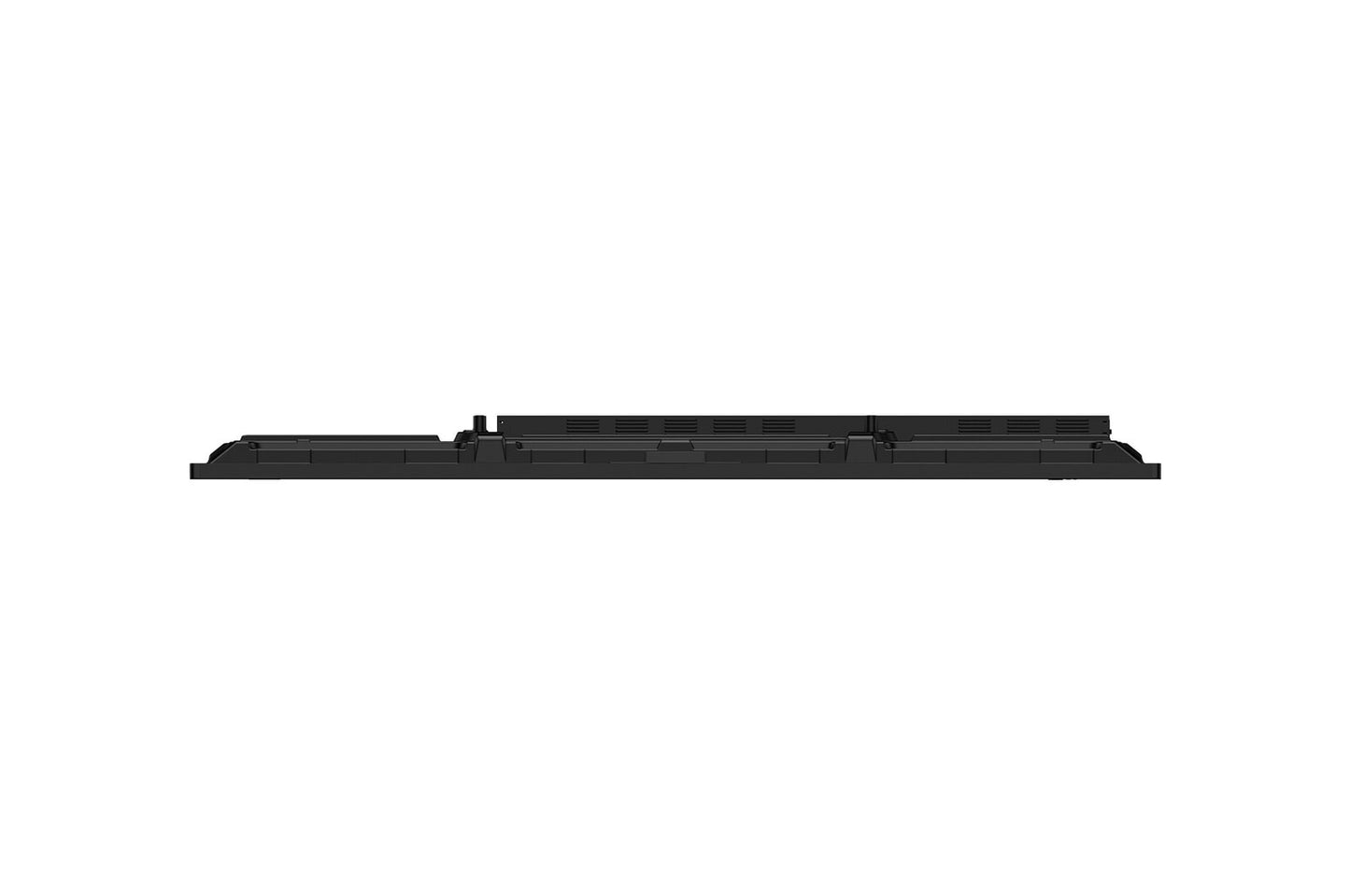
BRIGHTNESS400 nit (Typ.)Typical
 RUNTIME16-724 h x 7 days
 VESA MOUNT600 × 400 mmVESA
 ORIENTAIONLandscapeMounting
 BEZEL WIDTH25.6 / 15 / 15 / 43.5 mmTop / right / left / bottom
65" 4K interactive touchscreen for education and business
LG 65TR3DQ-B
The LG 65TR3DQ-B CreateBoard Standard is a 65-inch 4K UHD interactive display engineered for education and corporate collaboration. Running on Android 14 (EDLA) with Google certification, it combines a natural writing experience — up to 50 simultaneous touch points, 3.2 mm anti-glare tempered glass — with a full built-in collaboration suite: LG CreateBoard Lab whiteboarding software, wireless screen sharing for up to 9 participants, cloud file integration, and AI-powered live captions and search. Front-facing USB, HDMI and USB-C ports with 65 W power delivery keep cable clutter minimal, while an optional OPS slot allows a full Windows PC to be integrated invisibly at the rear. Rated for 16-7 operation and TÜV Rheinland Flicker Free certified, the 65TR3DQ-B is built to run reliably from the first lesson to the last meeting of the day.

Natural 50-Point Multi-Touch Experience
The 65TR3DQ-B uses infrared (IR) touch technology that responds to any object 2 mm or wider — fingers, passive pens, even gloved hands — across up to 50 simultaneous touch points. The 3.2 mm anti-glare tempered glass is both shatter-proof and anti-reflective (88% transmission), keeping the display readable under ceiling lights while providing a smooth, paper-like writing surface. With ±1 mm accuracy and a touch response under 5 ms, writing and annotating feels immediate rather than lagged. This is the quality threshold where users stop fighting the tool and simply focus on the content — a meaningful difference in back-to-back classroom or meeting sessions.

Built-in Android 14 with Google Certification
The display runs Android 14 with EDLA (Enterprise Device Licensing Agreement) certification — a distinction that guarantees Google Play Protect, verified security updates, and access to the full Google Play Store without side-loading. Users can sign into their Google accounts to access Drive, Meet, Classroom and thousands of third-party apps directly on the board. No external player, no licensing server, no separate device to manage. For IT teams deploying across multiple rooms, EDLA status also means the device qualifies for enterprise mobility management (EMM) via Google's enterprise framework, making policy enforcement and app distribution straightforward at scale.
50-point touch. Android 14. One cable USB-C.
TÜV Rheinland Flicker Free certified · ENERGY STAR certified · 50,000 hr panel life

Wireless Screen Sharing for Up to 9 Participants
LG CreateBoard Share lets any participant mirror their screen wirelessly — no app needed when connecting from a web browser, or via the dedicated app on Android 5.1+, iOS 12.0+, or macOS 11.0+. Up to 9 screens can be shown simultaneously, which removes the bottleneck of one-at-a-time HDMI handoffs during reviews or workshops. A Secure Mode requires the host to approve each share request, preventing uninvited content from appearing. Presenters can roam freely within the room because there are no cables tethering them to the display — a practical benefit in larger meeting rooms and lecture halls where the presenter would otherwise be pinned to one corner.
AI-Powered Captions, Translation and Search
The 65TR3DQ-B ships with three on-board AI tools: AI Search (LLM-driven answers for brainstorming and research), AI Live Subtitle-Translation (real-time captions in the user's preferred language, from microphone or system audio, within an 8-metre detection range), and AI Video Summary (automatic key-point extraction from downloaded videos). These features are free for the first year, after which a paid subscription applies — a factor worth communicating to end customers at the point of sale. In practice, the live caption feature significantly expands the board's utility for mixed-language teams and for students or attendees with hearing impairments, without requiring any external hardware or third-party service.

Front Connectivity and USB-C with 65 W Charging
Ports used most frequently — HDMI, USB-A, and USB-C — are positioned on the front panel, making it practical for users to connect laptops or USB drives without reaching around a wall-mounted display. The USB-C port supports DisplayPort Alt mode (video in) and Power Delivery up to 65 W, so a single cable connects a laptop, mirrors its screen, and keeps it charged simultaneously. This is especially useful in hot-desk or BYOD environments where different people bring different devices to each session. The board also includes five USB 3.0 Type-A ports in total (front, back, and top), accommodating peripherals, storage, and touch-over-USB from external PCs without requiring a hub.
OPS Slot for Optional Windows Integration
The display includes a rear-mounted OPS (Open Pluggable Specification) slot with built-in power supply, allowing an OPS-format Windows PC module to be fitted flush inside the chassis. This eliminates an external box, a separate power cable, and the cable runs between a PC and the display — the result is a cleaner install behind a wall mount or on a floor stand. The OPS module is sold separately, so organisations can choose their preferred computing spec and upgrade the PC independently of the display, protecting the investment in the screen hardware over a longer lifecycle.

LG ConnectedCare Remote Management
LG ConnectedCare is a cloud platform for centrally monitoring and controlling LG CreateBoard displays and signage without physical site visits. IT administrators can power devices on or off, adjust brightness, push content, apply schedules, and receive status alerts from a single dashboard — covering any number of rooms or buildings. In schools or corporate campuses with many rooms, this eliminates manual rounds to check each display. Emergency broadcasting (fire alerts, evacuation messages) can be pushed to all connected displays instantly. ConnectedCare is purchased separately and availability differs by region; this should be factored into total cost of ownership conversations with customers deploying at scale.
Flicker-Free Display for Comfortable All-Day Use
All sizes of the TR3DQ series have received official Flicker Free certification from TÜV Rheinland (January 2025–January 2028), confirming no visible or invisible flicker across the full 0–3,000 Hz range at any brightness setting. In environments where the display is in continuous use — full school days, all-day workshops, back-to-back meetings — reducing backlight flicker noticeably decreases eye fatigue over time. This is a credible, third-party-verified claim that can be communicated directly to health-conscious buyers in education and corporate wellness programmes, rather than relying solely on manufacturer marketing language.