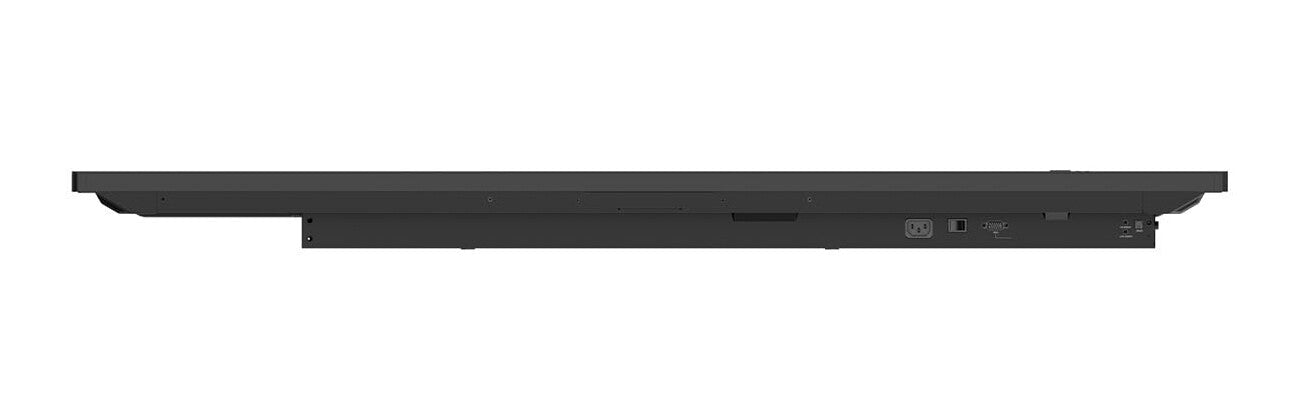
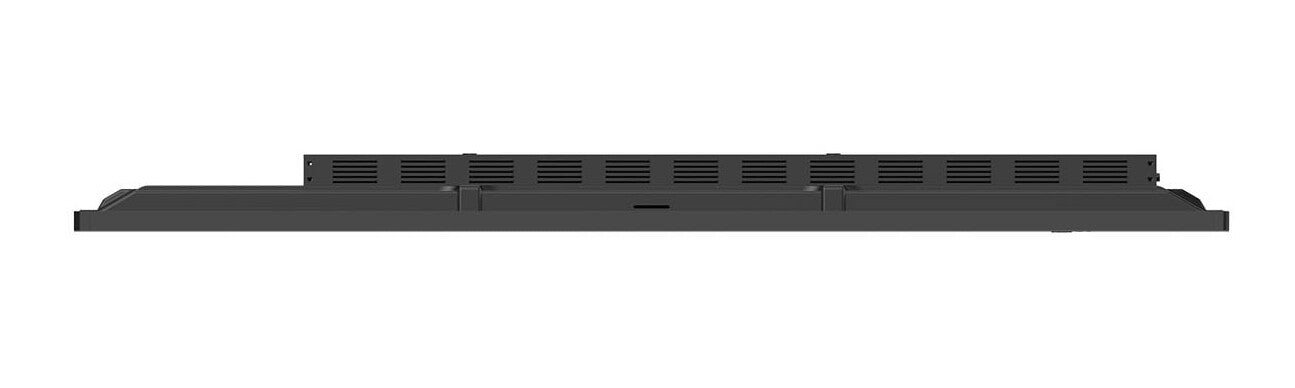
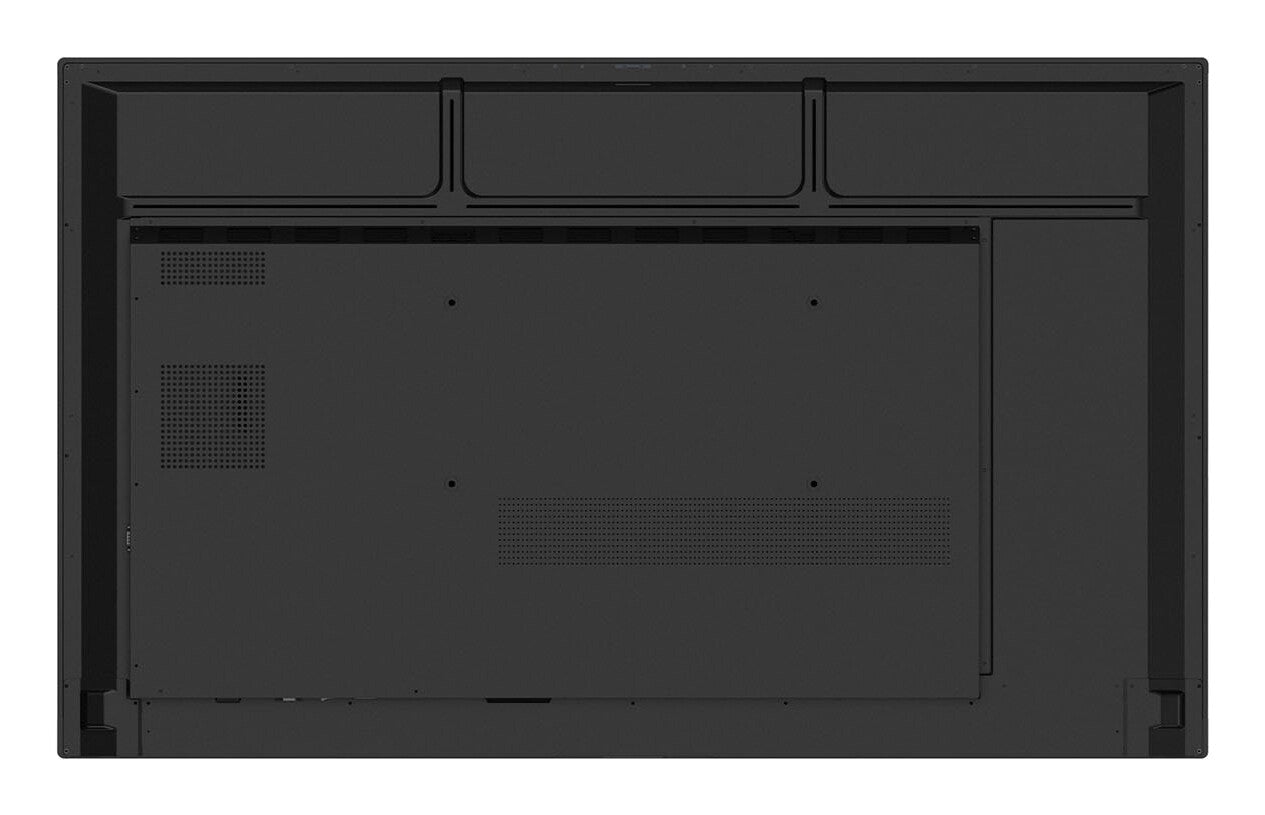
BRIGHTNESS390 nit (Typ.)Typical
 RUNTIME16-724 h x 7 days
 VESA MOUNT600 × 400 mmVESA
 ORIENTAIONLandscapeMounting
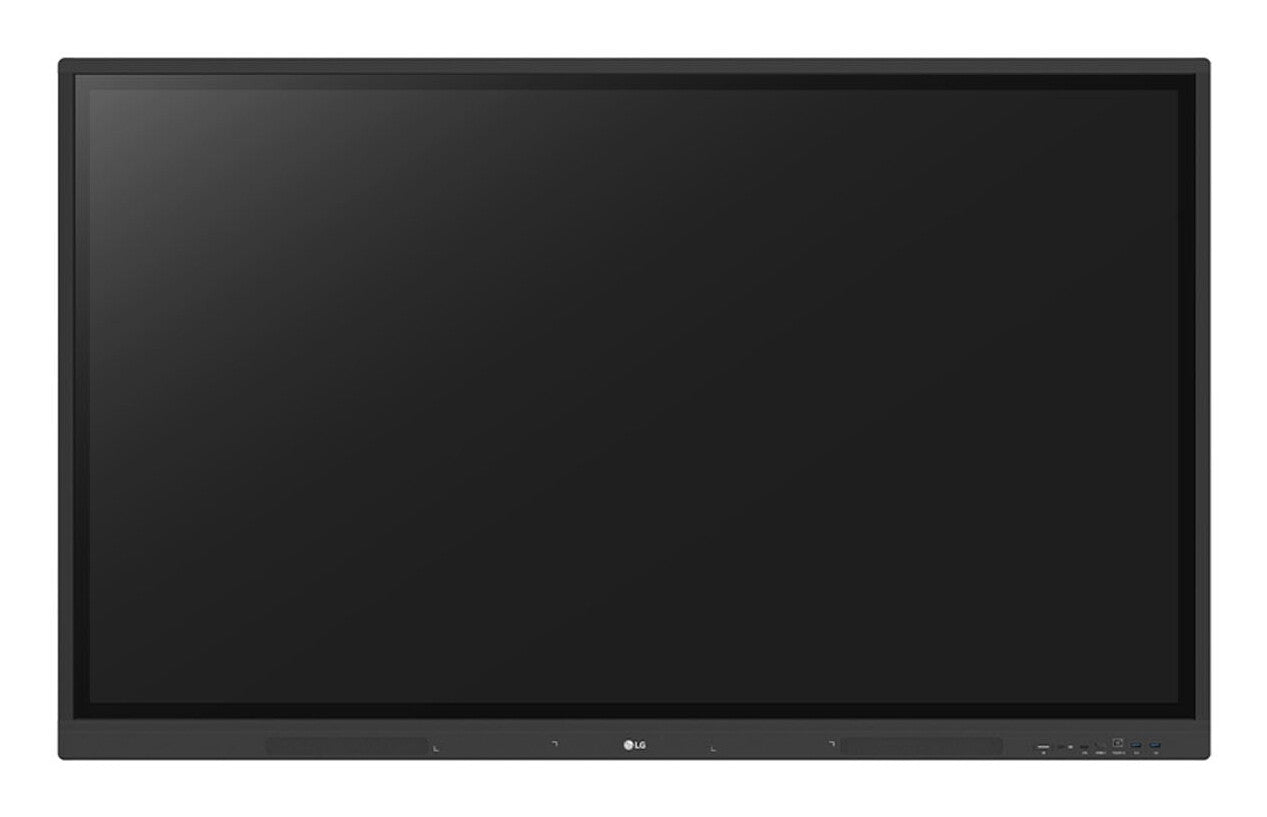
 BEZEL WIDTH15 / 15 / 15 / 44 mmTop / Left / Right / Bottom
65-inch 4K interactive touchboard for education and business
LG 65TR3DK-B
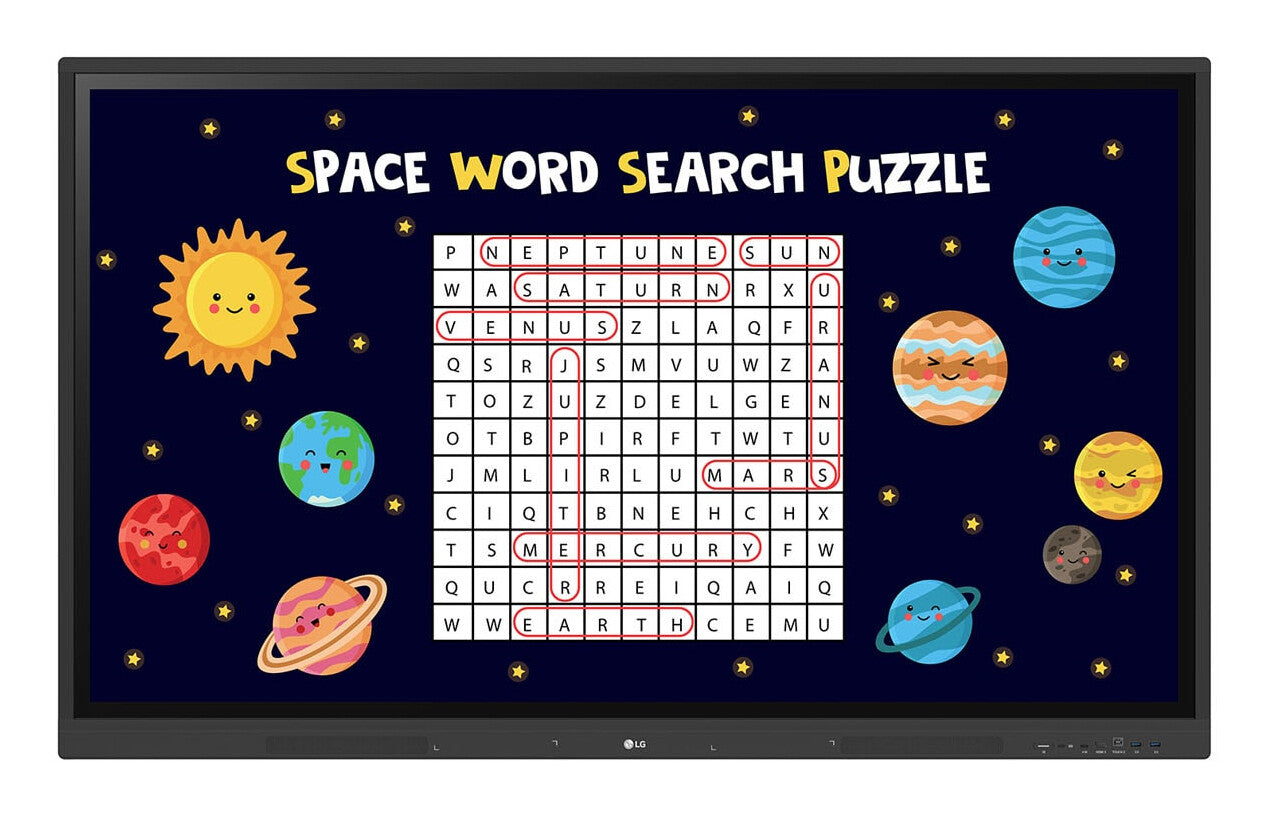
The LG 65TR3DK-B CreateBoard is a 65-inch 4K UHD interactive digital board engineered for education and collaborative business environments. Built around an IPS panel with 40-point infrared multi-touch, it lets multiple users write, annotate, and interact simultaneously with a natural pen-on-board feel. Running Android 11 with built-in Wi-Fi 6 and Bluetooth 5.0, the board operates as a standalone smart display — no external PC required for most tasks. Versatile connectivity covers three HDMI inputs, USB-C with 65W power delivery, VGA, and an OPS expansion slot for full PC integration. LG ConnectedCare DMS enables remote monitoring and management across entire installations, making fleet oversight straightforward for IT teams in multi-room or multi-site deployments.

40-Point IR Multi-Touch for True Collaboration
The 65TR3DK-B supports up to 40 simultaneous touch points using infrared sensing — 40 on Windows, 32 on Android. Touch accuracy is rated at ±1 mm with a 5 ms response time, and the minimum detectable object size is just 2 mm in diameter, meaning both fingertips and passive styluses register cleanly. In practice, several students or presenters can write, draw, and manipulate content at the same time without conflicts or dropped inputs. The 3 mm anti-glare protection glass (88% transmission) maintains touch fidelity while reducing reflections, keeping the screen usable even when ceiling lights are on. This level of touch performance removes the bottleneck of single-user interaction common on lower-spec boards.

Built-in Android 11 with Wi-Fi 6 — No External PC Needed
The board ships with a quad-core ARM Cortex-A55 SoC, 4 GB RAM, and 32 GB storage running Android 11, so it operates as a fully capable standalone display from day one. Wi-Fi 6 (802.11ax) and Bluetooth 5.0 are built in, enabling wireless screen sharing via the LG CreateBoard Share app for up to 9 simultaneous participant screens. Google Drive and OneDrive integration means lesson materials can be imported, edited, and exported without a USB stick. For sites that need full Windows performance, the OPS slot accepts an Open Pluggable Specification PC module at the rear — no cable clutter, no separate desktop to manage. This flexibility makes it straightforward to deploy the same hardware in both simple and advanced configurations across different rooms.
40 touch points. One cable. Zero compromises.
16-7 duty rating · 3-year limited manufacturer warranty

OPS Slot for Seamless PC Expansion
The built-in OPS (Open Pluggable Specification) slot allows an OPS-format PC module to be installed directly into the rear of the display. This eliminates the need for an external desktop, trailing cables, and a separate mount — the result is a cleaner installation with a single power point and a unified management footprint. For classrooms or boardrooms that require Windows-native applications or more processing power than the onboard Android SoC provides, the OPS path avoids a full hardware replacement: the same display can simply be upgraded. OPS compatibility also standardises procurement across a fleet, since the same slot accepts modules from multiple vendors.

LG ConnectedCare DMS — Remote Fleet Management
LG ConnectedCare DMS is a cloud-based device management platform that lets IT managers monitor, control, and maintain CreateBoard installations without physically visiting each room. Power scheduling, brightness control, screen lock, and threshold alerts (covering display temperature, CPU load, memory usage, and signal status, among others) can all be configured and applied remotely. The broadcast and alert messaging function can push emergency notices — fire alerts, evacuation instructions — to every connected display simultaneously. For multi-site deployments such as school campuses or corporate office floors, this dramatically reduces the time and travel cost of routine maintenance and incident response. Note: ConnectedCare DMS requires a separate subscription and regional availability should be confirmed with LG.

USB-C with 65W Power Delivery
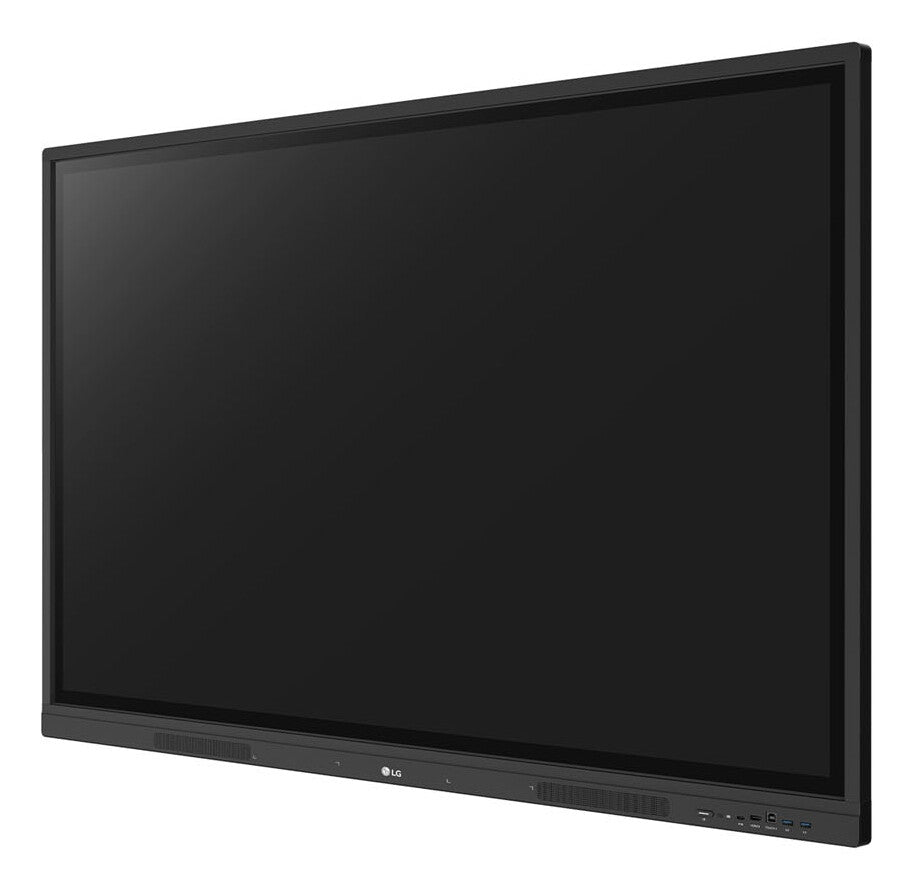
A single USB-C port handles video input, data transfer, and up to 65W of power delivery simultaneously. For a teacher or presenter connecting a laptop, this means one cable replaces the usual trio of power adapter, HDMI lead, and USB-B touch cable — the laptop charges while its screen mirrors to the board and touch input is returned over the same connection. The front-facing design of the USB-C port (alongside HDMI, USB-A, and USB-B) means cabling is accessible from in front of the display rather than behind it, keeping setup quick and tidy during class changeovers.
Security Suite for Shared-Use Environments
Shared interactive displays in classrooms and open-plan offices face specific security risks: unauthorised content sharing, lingering personal files, and unrestricted USB access. The TR3DK-B addresses these with a layered security suite. Screen Lock requires a password before anyone can operate the display. Secure Mode disables LG CreateBoard Share to prevent unsolicited screen pushes. USB Lock Mode blocks data copying to or from connected drives. Auto-remove Files can be scheduled to wipe stored content regularly. QR Login enables quick, verified sign-in to cloud accounts — and a single Logout tap disconnects all personal accounts, reducing the risk of personal data being left accessible for the next user. This makes the board suitable for deployment in environments with compliance or data-privacy requirements.