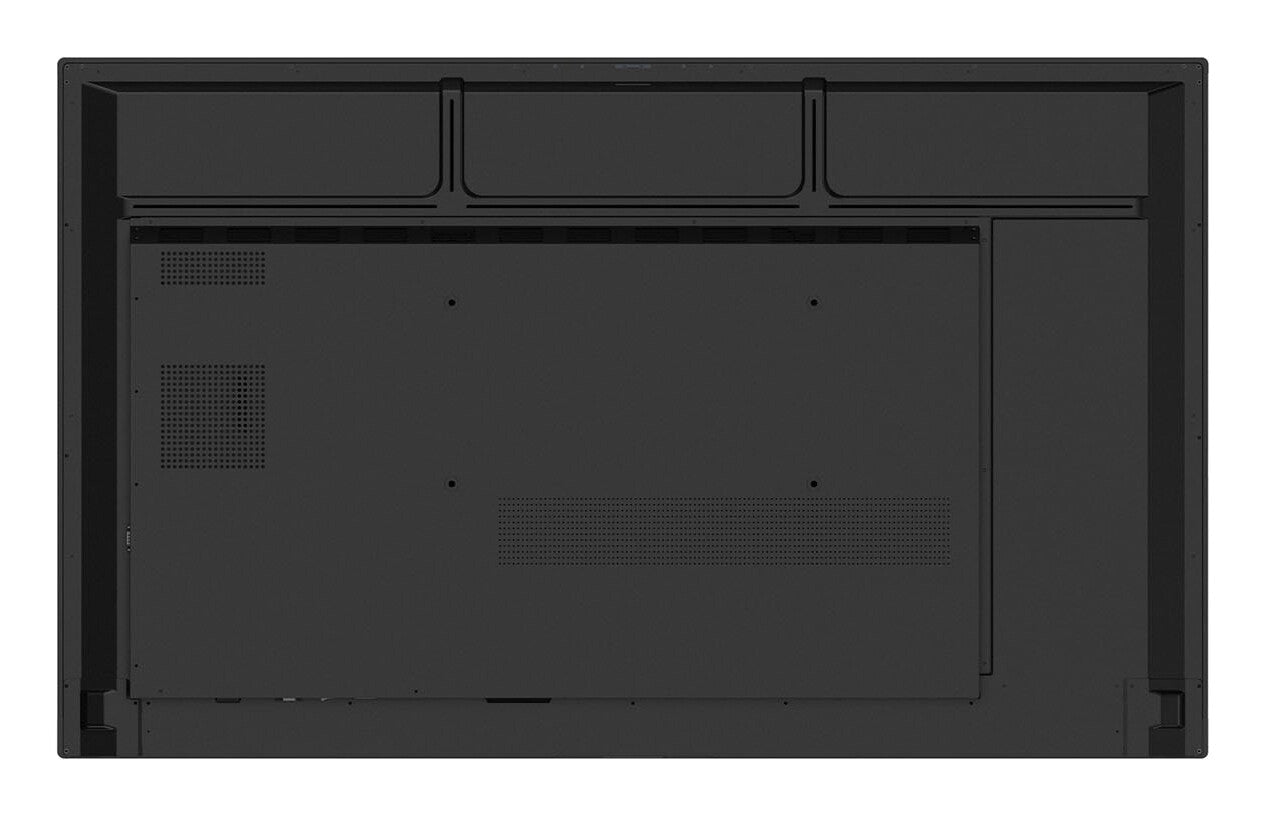
BRIGHTNESS440 nit (Max.) / 390 nit (Typ.)Typical
 RUNTIME16/724 h x 7 days
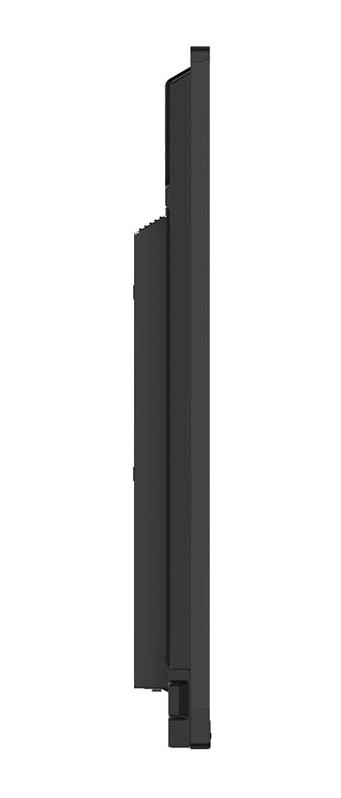
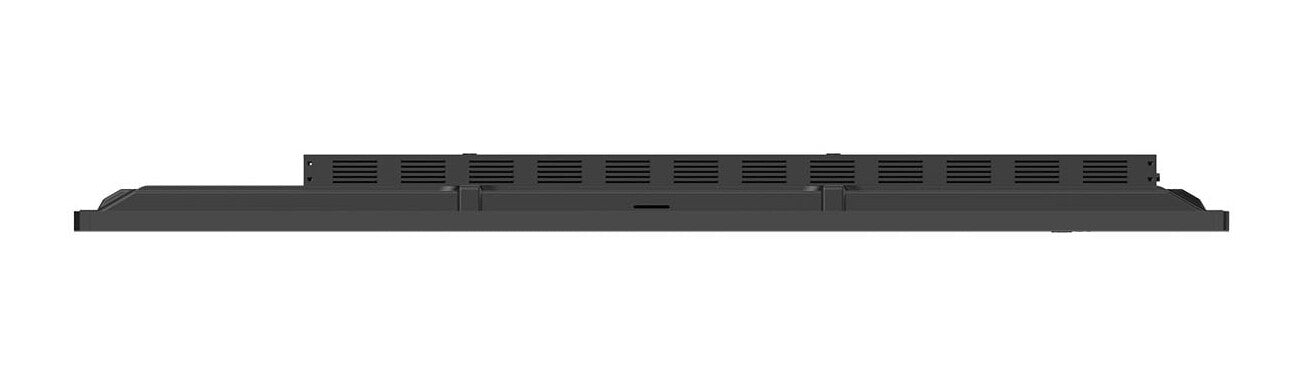
 VESA MOUNT800 × 600 mmVESA
 ORIENTAIONLandscapeMounting
 BEZEL WIDTH30 / 27 / 27 / 45 mmTop / Right / Left / Bottom
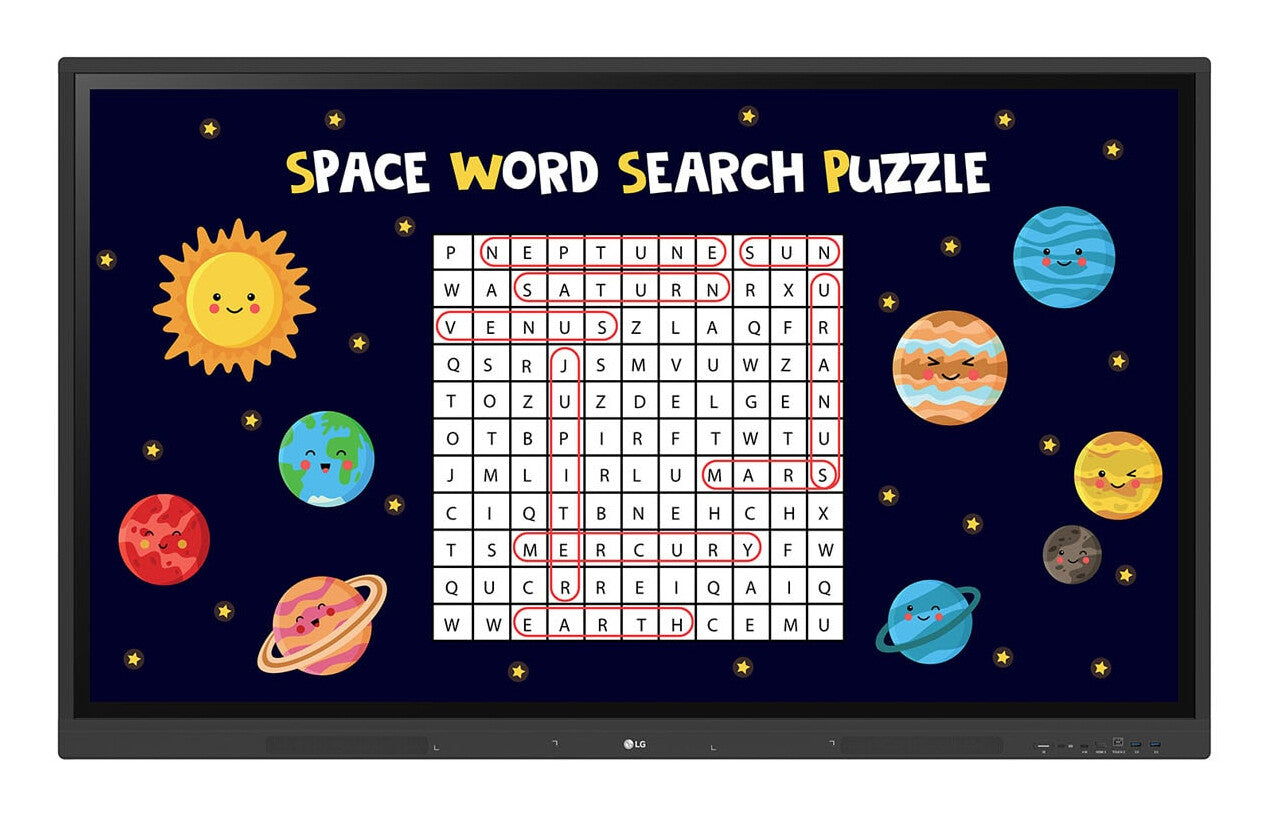
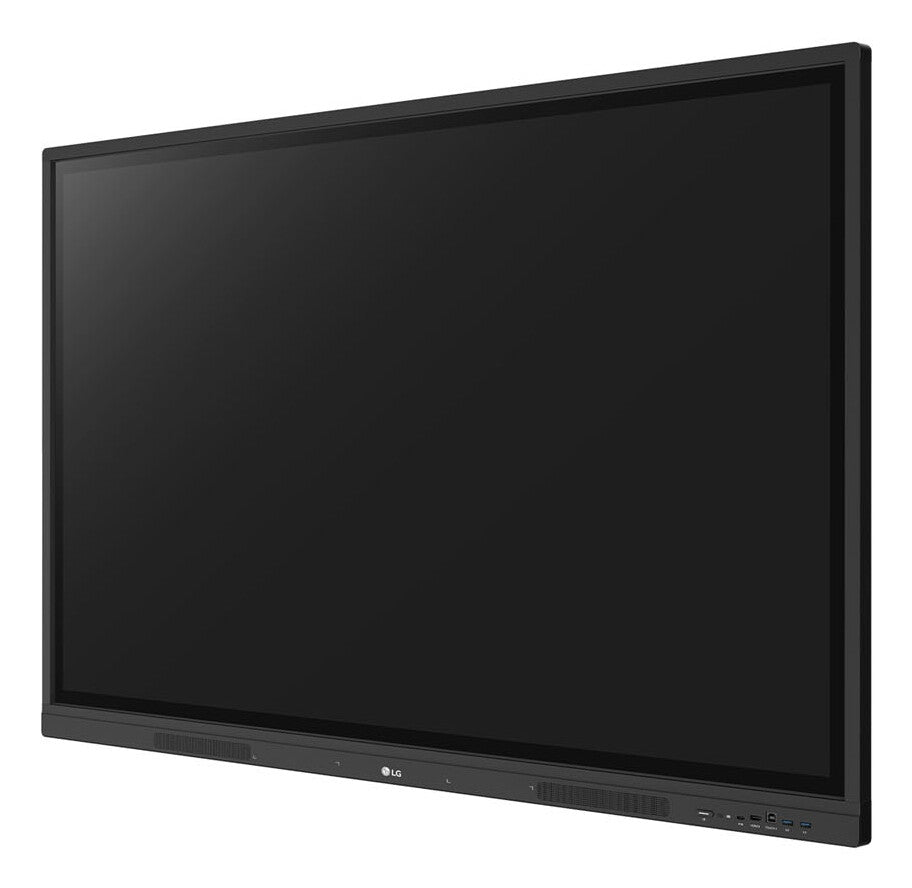
LG 98TR3DK-BM — 98-inch 4K UHD interactive touchscreen display
The LG 98TR3DK-BM CreateBoard is a 98-inch 4K UHD interactive touch display built for modern classrooms and corporate meeting rooms. Combining a large-format IPS panel with up to 40-point IR multi-touch, it enables fluid, multi-user collaboration directly on-screen. Running Android 13 with Google certification and LG's proprietary CreateBoard Lab software, it delivers a comprehensive whiteboarding and content-sharing platform out of the box. Built-in Wi-Fi 6, Gigabit LAN, Bluetooth 5.0, USB-C with Power Delivery, and front-facing ports keep all connectivity needs covered, while the OPS slot accommodates full Windows PC functionality without an external computer.

40-Point Multi-Touch for Group Collaboration
The 98TR3DK-BM uses infrared (IR) touch technology capable of simultaneously detecting up to 40 independent touch points in Windows mode (32 in Android). This isn't just a headline figure — it means multiple people can write, draw, and gesture on the same screen at the same time without input conflicts. In a classroom this enables every student at the front of the room to annotate simultaneously; in a meeting room it allows several participants to interact with content without queuing for a single stylus. Touch response is ≤5 ms with ±1.5 mm accuracy, and the 4 mm anti-glare protection glass gives a natural writing feel. Objects as small as 2 mm diameter are recognised, so both fingertip and fine-tip pen input work reliably.

Android 13 with Google Certification
The display runs Android 13 on a Quad-Core A55 SoC with 8 GB RAM and 64 GB storage, and carries full Google certification — meaning the Google Play Store, Google Drive, and the wider Google Workspace suite work natively without side-loading or workarounds. For education environments standardised on Google Classroom or Workspace, this removes a common integration hurdle. Users can sign into cloud accounts via QR code and log out with a single tap, protecting personal data in shared spaces. The factory Android OS also means IT teams manage the device through familiar MDM tooling rather than proprietary lock-in.

Built-In OPS Slot for Full Windows Capability
An Open Pluggable Specification (OPS) slot is integrated at the rear of the display, accepting a standard OPS PC module without any external cabling or dedicated power brick — the display feeds power to the OPS internally. This matters because it converts the CreateBoard from an Android appliance into a full Windows workstation at the touch of a button, supporting any Windows application, local network drives, and enterprise security policies that Android cannot satisfy. For resellers, it is a future-proofing argument: the base display can be sold now and upgraded to Windows later as the customer's needs evolve, protecting the hardware investment.

Wi-Fi 6, LAN, Bluetooth 5.0 & USB-C Connectivity
Connectivity is comprehensive: Wi-Fi 6 (802.11ax) supports dense wireless environments such as school networks with many simultaneous devices; Gigabit Ethernet covers wired installations; Bluetooth 5.0 pairs keyboards, mice and speakers wirelessly. USB-C with 65 W Power Delivery and DisplayPort Alt Mode lets a laptop connect, charge and display over a single cable — a strong convenience argument in BYOD environments where users arrive with different devices. The front-panel placement of USB and HDMI ports means cables do not trail around the back of a 98-inch panel, keeping the installation tidy and reducing teacher setup time between lessons.

LG ConnectedCare Remote Fleet Management
LG ConnectedCare (sold separately as a DMS licence) provides a cloud dashboard for remotely monitoring, controlling, and scheduling all CreateBoard units in an estate — without physically visiting each room. IT managers can push power schedules, adjust brightness, deploy firmware, lock screens, and receive threshold alerts for temperature, CPU, memory or signal loss across every device from a single interface. In multi-site school districts or corporate campuses with dozens of units, this dramatically reduces the IT overhead of managing a large interactive display fleet and shortens fault resolution times. Alert messaging also lets administrators broadcast emergency notifications to every screen in the building simultaneously.
Security: Screen Lock, USB Lock & Secure Mode
The 98TR3DK-BM includes a layered set of security controls designed for shared professional and educational spaces. Screen Lock protects access with a password. USB Lock Mode prevents data from being copied to or from unauthorised USB storage — critical in regulated or exam environments. Secure Mode disables the LG CreateBoard Share wireless feature entirely to prevent unauthorised screen casting. An auto-delete scheduler can be configured to remove locally stored files at regular intervals, ensuring no residual personal data is left on the display after a session. These controls can all be managed remotely through LG ConnectedCare, meaning security policy enforcement does not require physical access to each unit.