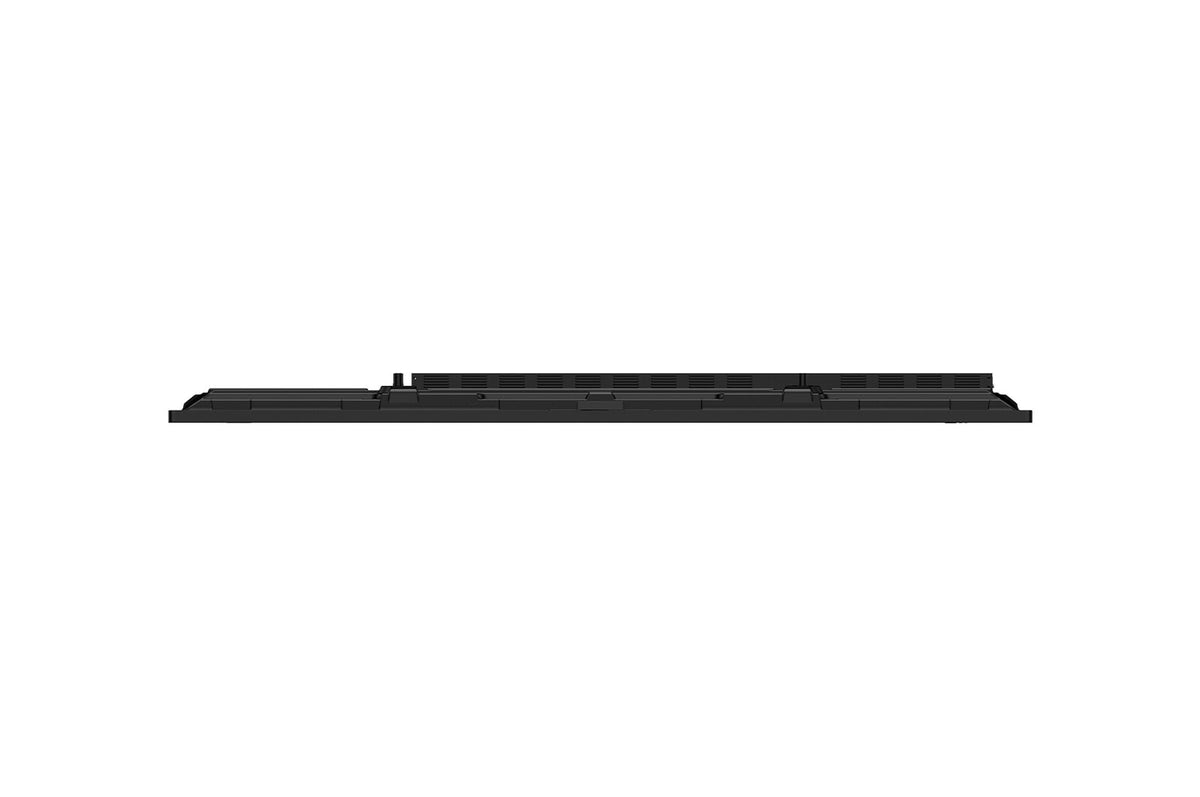
BRIGHTNESS400 nit (Typ.)Typical
 RUNTIME16-724 h x 7 days
 VESA MOUNT800 × 400 mmVESA
 ORIENTAIONLandscapeMounting
 BEZEL WIDTH25.6 / 15 / 15 / 43.5 mmTop / Right / Left / Bottom
75-inch 4K interactive touchscreen display for education and collaboration
LG 75TR3DQ-B
The LG 75TR3DQ-B CreateBoard Standard is a 75-inch 4K UHD interactive display engineered for corporate meeting rooms and educational classrooms. Running on Android 14 (EDLA) with Google certification, it delivers a full whiteboarding and collaboration platform through LG's proprietary CreateBoard Lab software, wireless screen sharing for up to 9 simultaneous participants, and integrated AI features including live subtitling, translation, and video summarisation. With 50-point multi-touch, dual USB-C ports, a rich connectivity suite, and front-mounted ports for cable-free presenter handover, the TR3DQ-B is built to enable seamless, cable-reduced collaboration in any professional environment.

Android 14 EDLA with Google Certification
The 75TR3DQ-B runs Android 14 under the EDLA (Enterprise Declared License Agreement) framework and carries full Google certification. EDLA is Google's enterprise-grade Android variant, offering tighter security controls, guaranteed OS integrity, and access to Google Mobile Services (GMS) — including the Play Store, Google Drive, and the broader Google Workspace ecosystem. For end users, this means the board connects naturally to the tools organisations already rely on: no sideloading, no compatibility workarounds. Teachers can share lessons via Google Drive, pull resources from the Play Store, and sign in with Google accounts they already have. IT administrators benefit from the security guarantees and management compatibility that EDLA mandates.

50-Point Multi-Touch with Sub-2mm Precision
The board supports up to 50 simultaneous touch points at ±1 mm accuracy, with a minimum object size of just 2 mm — meaning it responds to fingertips and standard styluses equally reliably. Touch latency is rated at ≤5 ms, keeping annotation visually fluid. In group settings such as workshops, brainstorming sessions, or classroom exercises, multiple people can write, annotate, and gesture on the screen concurrently without conflicts or missed inputs. The 3.2 mm tempered anti-glare protection glass (88% transmission) preserves touch responsiveness while reducing reflections in lit rooms, so readability and interaction quality are maintained throughout the day.
50-touch points. 9 shared screens. One cable-free room.
TUV Rheinland Flicker Free certified · Android 14 EDLA · Google certified

Wireless Screen Sharing for Up to 9 Sources
LG CreateBoard Share allows up to 9 devices to share their screen simultaneously in real time — from PCs, tablets, or smartphones — without requiring a dongle or dedicated cable. Participants connect either via the dedicated app (Android 5.1+, iOS 12.0+, macOS 11.0+) or directly through a web browser using a 6-digit code, eliminating the need for software installation at all. A Secure Mode lets the board owner approve or deny sharing requests, preventing unauthorised participants from taking over the display. In practice, this means presenters can hand over control freely during a meeting or class without walking to the front, and multiple students or contributors can display their work side by side for comparison or review.
AI Live Subtitle, Translation and Video Summary
The CreateBoard's built-in AI layer — powered by a large language model — provides three practical productivity features: real-time caption generation, live translation into the user's preferred language, and automatic video summarisation for downloaded content. The subtitling engine detects sound within an 8-metre radius, capturing both microphone input and system audio, which is particularly valuable in mixed-language meetings or when accommodating participants with hearing impairments. Video Summary allows participants who join late or review recordings to quickly grasp key takeaways without watching the full content. Note: the AI service is included free for one year from acceptance of terms, after which it becomes a paid add-on — worth factoring into total cost of ownership discussions with end customers.

LG ConnectedCare Remote Management
ConnectedCare is LG's cloud-based device management solution that lets IT managers monitor, control, and configure deployed CreateBoards without physically visiting each location. From a central dashboard, administrators can power displays on or off, adjust brightness, push content or alert messages, and clone settings across the entire fleet. The broadcast function enables facility-wide emergency announcements — for example, fire alerts — to be distributed instantly to all connected screens. ConnectedCare is purchased separately and regional availability varies; it is compatible with the 75TR3DQ-B as confirmed by the official spec sheet. For multi-site organisations or large campuses, this capability significantly reduces the time and cost of on-site IT support.

Built-in OPS Slot for Windows Integration
The 75TR3DQ-B includes an OPS (Open Pluggable Specification) slot at the rear, allowing an optional Windows PC module to be mounted directly inside the display chassis. This eliminates the need for a separate desktop or mini-PC, reducing cable clutter and the number of devices to manage. With an OPS module installed, users can switch between the board's native Android 14 environment and a full Windows desktop on the same screen — relevant wherever Windows-only software (such as specialist teaching applications, CAD tools, or corporate ERP clients) must run alongside the Android collaboration features. The OPS slot and power supply are both built in; only the OPS module itself is sold separately.

Front Connectivity Design and USB-C Power Delivery
All frequently used ports — including one HDMI input, one USB-C, and one USB 3.0 — are positioned on the front face of the display, so guests and presenters can plug in without reaching around or behind a wall-mounted unit. The front USB-C port supports DisplayPort Alt Mode and provides up to 65W of power delivery (when no OPS module is installed), meaning a connected laptop charges while it presents — one cable for video, data, and power. This detail meaningfully shortens the time between 'walking into the room' and 'starting the presentation', which is the friction point that most meeting-room users cite as disruptive.
TUV Rheinland Flicker Free — Eye Comfort for Extended Sessions
All 75TR3DQ models have received official Flicker Free certification from TUV Rheinland, valid from January 2025 to January 2028. The certification confirms the absence of both visible and invisible flicker across the 0–3,000 Hz range at all tested brightness levels. In environments where the display is used for hours at a stretch — a full school day, an all-day training workshop, or a lengthy remote team session — reduced flicker directly translates to less eye fatigue, fewer headaches, and sustained concentration for participants. This is a meaningful comfort credential for deployments in education, where duty of care towards students' wellbeing is a real procurement consideration.