Thunderbolt 5 docking station, 15 ports, 140W charging
CalDigit TS5
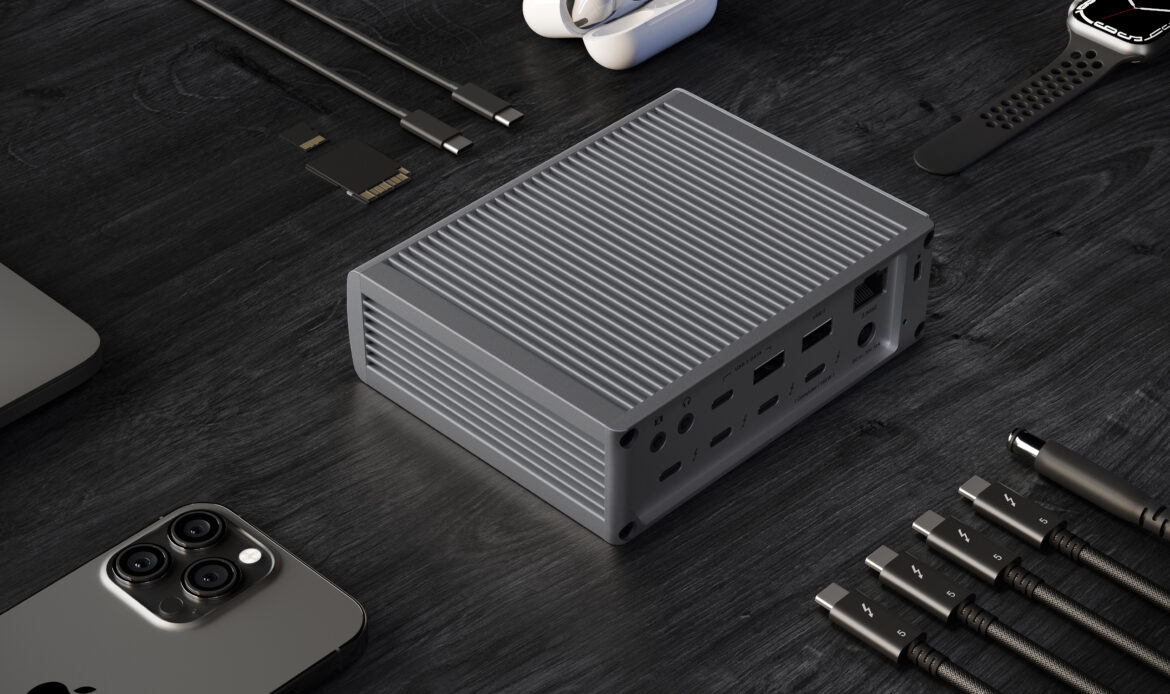
The CalDigit TS5 is a Thunderbolt 5 docking station designed from the ground up for professionals who need maximum connectivity from a single cable. With 15 simultaneously usable ports — including four 80Gb/s Thunderbolt 5 ports, five USB ports, dual UHS-II card readers, 2.5 Gigabit Ethernet, and three audio jacks — it replaces an entire desk full of adapters and hubs. It delivers a guaranteed 140W of host charging and supports up to four external displays on M5 Max Macs and three on M5 Pro, making it the ideal hub for demanding creative and IT workflows. Compatible with Thunderbolt 3/4/5, USB4, and USB-C host computers across both macOS and Windows.

True 140W Host Charging — Always
Many Thunderbolt 5 docks advertise up to 140W charging, but their power supplies cannot sustain it: as peripherals are connected, wattage is redistributed and host charging drops. The TS5 is built around a 240W external power supply specifically sized so the full 140W is always reserved for the host computer, regardless of what else is plugged in. This matters most with 16-inch MacBook Pro M4 Pro/Max or M4 Max units, which have a 140W charging requirement that underspec'd docks cannot meet, forcing the battery to slowly drain under load. With the TS5, a power-hungry creative workstation charges at full speed throughout an editing session — no battery anxiety, no need to carry the original charger as a backup.
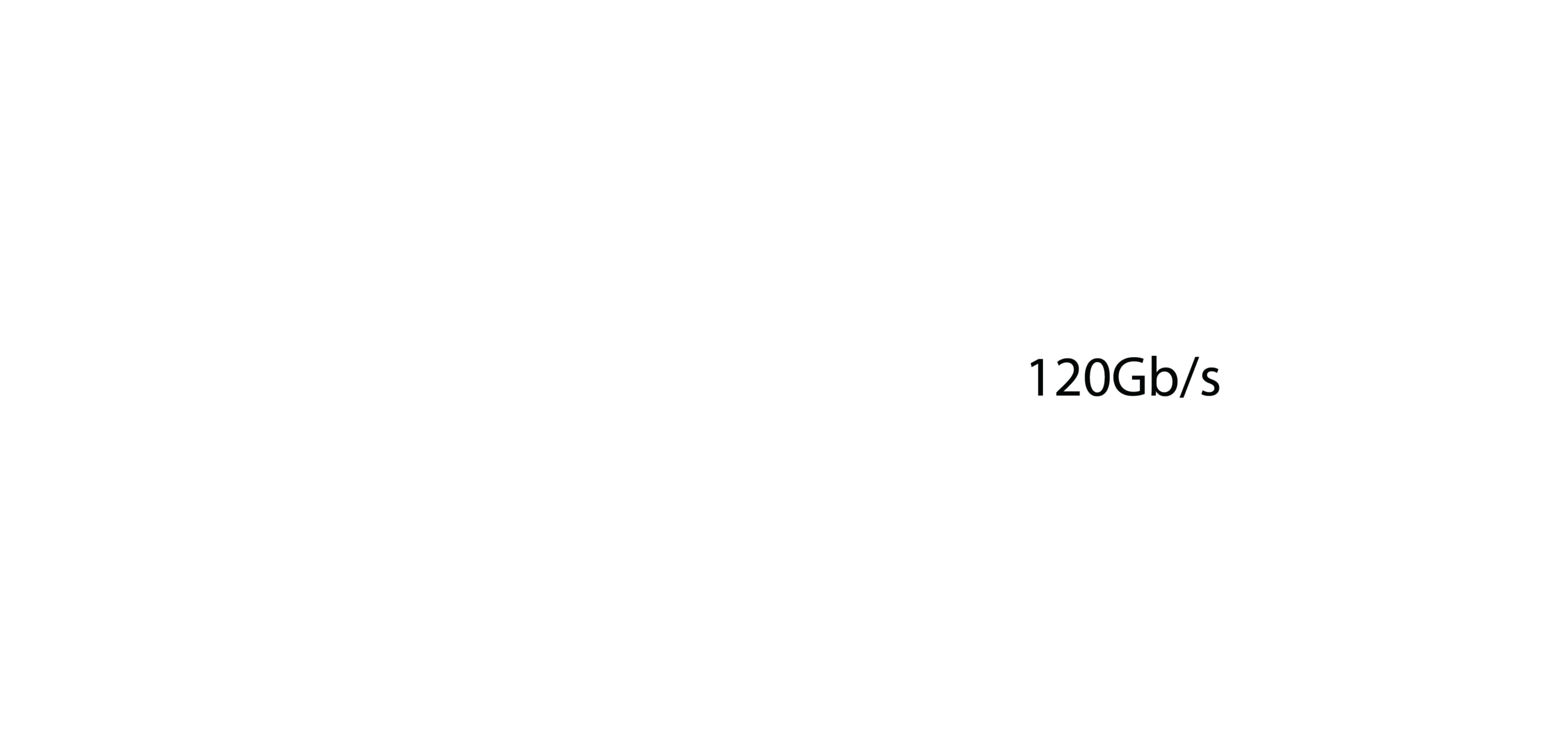
80Gb/s TB5 with 120Gb/s Bandwidth Boost
Thunderbolt 5 doubles the bidirectional bandwidth of TB4 from 40Gb/s to 80Gb/s, and the TS5 exposes all four of its TB5 ports at this speed. When high-bandwidth displays demand more headroom, Thunderbolt 5's Bandwidth Boost mode dynamically reallocates up to 120Gb/s toward the display path while keeping 40Gb/s available for data — all transparently, without user intervention. The PCIe allocation has also been doubled from 32Gb/s (TB4) to 64Gb/s PCIe 4.0, enabling connected NVMe SSDs and RAID enclosures to reach sustained read speeds of up to 6,200MB/s — twice what was possible with a TS4. For video editors, photographers, or anyone running fast external storage, this removes the bottleneck that previously made TB3/4 docks the weakest link in the chain.
15 ports. 140W charging. One Thunderbolt 5 cable.
NDAA Compliant · 2-year warranty · Includes 240W PSU and 1m TB5 braided cable

Up to Quad-Display Support (M5 Max)
The TS5 supports a wider range of multi-monitor configurations than any previous CalDigit dock: dual displays on most Mac and Windows Thunderbolt 4 or 5 hosts, triple displays on M5 Pro and supported Thunderbolt 5 Windows PCs, and four simultaneous external displays on a MacBook Pro with M5 Max. The fourth display is added via daisy-chaining through one of the downstream Thunderbolt 5 ports. Resolutions up to 8K are supported, with 4K 240Hz and 6K 120Hz achievable on M5 Max. This level of multi-screen capability from a single cable connection makes the TS5 a decisive upgrade for anyone building a high-density workstation — whether for color grading, multi-chart financial analysis, or surveillance monitoring.
2.5 Gigabit Ethernet Built In
The TS5 integrates a 2.5GbE port driven by a PCIe controller — meaning it delivers full bandwidth independently of the USB bus and does not share throughput with other connected peripherals. This is 2.5x the speed of standard Gigabit Ethernet and aligns with the new default speed tier on modern NAS devices, routers, and switches. For users who work with large shared media libraries over a local network, or who run incremental backups to a NAS, moving from 1GbE to 2.5GbE can cut transfer times by more than half without changing any other hardware. Note that Ethernet is only supported on Thunderbolt-based and USB4 hosts that support PCIe tunneling — verify USB4 host compatibility with the host manufacturer.

Rear Host Port for Clean Cable Management
Most Thunderbolt docks route the host connection cable out of the front panel, which means the cable immediately crosses the desk in the most visible spot. The TS5 places its Thunderbolt 5 host port at the rear of the unit, so the cable runs directly to the laptop behind the dock and out of sight. The remaining three Thunderbolt 5 downstream ports are also on the rear for peripherals like displays and storage, while the front panel is reserved for high-rotation connections — a USB-C port with 20W charging, a USB-A port, and the dual card readers. The result is a desk setup that stays organised without cable clips or additional management accessories.

Dual UHS-II Card Readers, Front-Accessible
Both the SD 4.0 and microSD 4.0 slots on the TS5 support UHS-II speeds and can be used simultaneously — an important distinction from docks that share a single reader controller between formats. UHS-II is the current top tier for physical card performance, covering cards like the Sony SF-G and Lexar GOLD series used in high-resolution cinema cameras and mirrorless cameras. Positioning both slots on the front panel means photographers and videographers can transfer footage immediately on returning to their desk without reaching behind the unit. The combination of simultaneous dual-slot operation and UHS-II throughput is particularly relevant for multi-camera workflows where two different card formats need to be ingested at the same time.
Broad Host Compatibility — TB3 to USB-C
The TS5 works with Thunderbolt 5, Thunderbolt 4, Thunderbolt 3 (Mac), USB4, USB4 v2, and plain USB-C host computers, as well as Thunderbolt iPads and Chromebooks. This breadth matters when selling into mixed or upgrading environments: a customer who buys the TS5 today for a Thunderbolt 4 MacBook Pro will retain full dock functionality when they upgrade to a Thunderbolt 5 machine — only gaining additional performance. macOS 15 or above is required for Apple Silicon Macs; Windows 11 or above for PC hosts. Maximum performance (80Gb/s, Bandwidth Boost, full display support) requires an 80Gb/s Thunderbolt 5 or USB4 v2 host connection.
8 Offline Charging Ports
All four Thunderbolt 5 ports and all four USB 10Gb/s ports on the TS5 — eight ports in total — continue to charge connected devices even when no host computer is attached. This offline charging capability is useful in environments where the dock serves as a charging hub overnight or during meetings when the laptop has been disconnected. The front USB-C port provides 20W, sufficient for iPhone 16 at full speed and iPad Pro 13-inch at 20W; the remaining USB ports deliver 7.5W. The rear USB 2.0 port does not support offline charging and is intended for low-power accessories such as keyboards and mice.