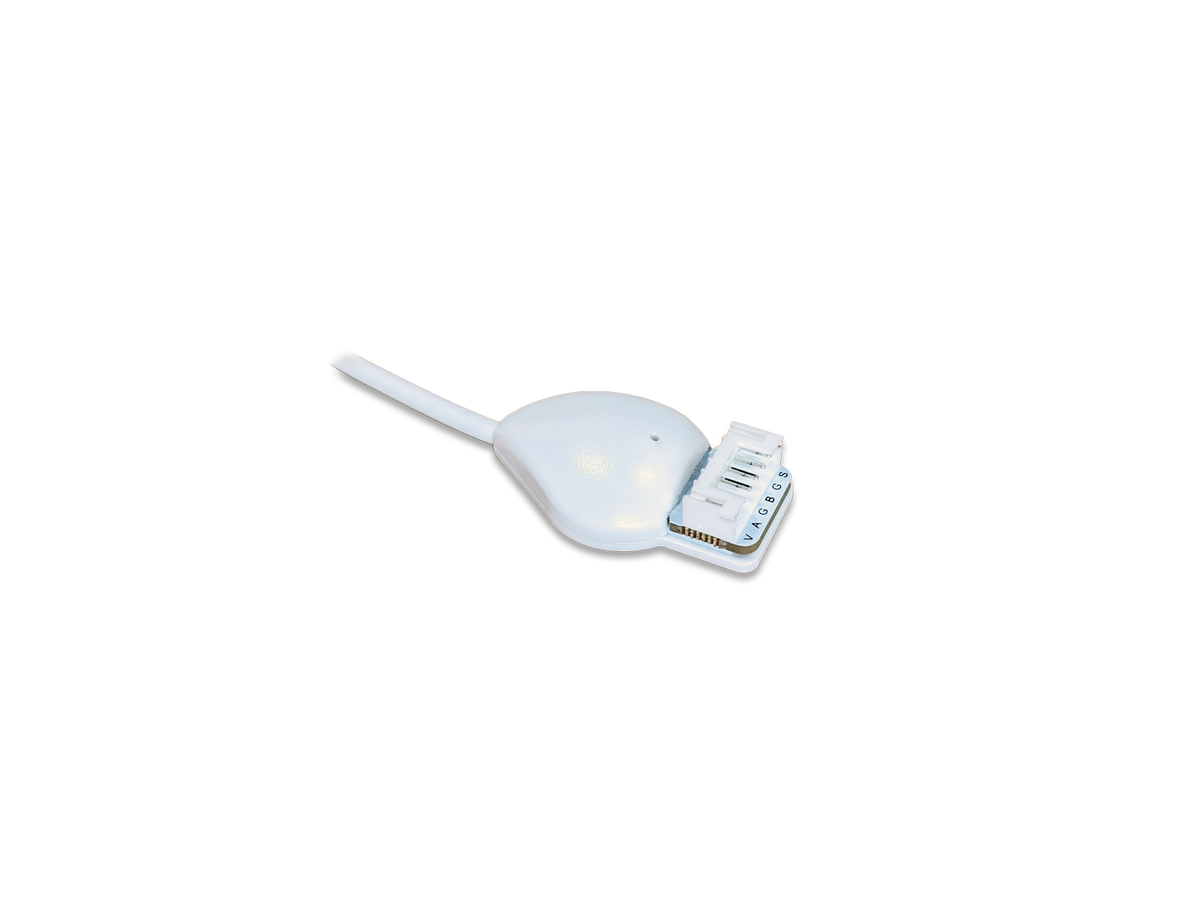
XDW-E60

Encoder interface that connects market-available rotary encoders to Nexmosphere Xperience controllers for tactile media control in interactive signage installations.

  • Turns any market-available rotary encoder into a media control knob
  • Detects clockwise/counterclockwise rotation and single, double and long press
  • Powered by the Xperience controller over X-talk, no separate PSU
  • Matching encoders and knobs available for a plug-and-play setup
  • Adhesive, low-profile mount with bottom or side cable feed
  • SKU:45393
  • GTIN:
  • MPN:XDW-E60

You need to login to view the price.

View full details

Rotary encoder interface for interactive installations

Nexmosphere XDW-E60

The XDW-E60 is an X-Dot encoder interface from Nexmosphere's XD range, built for interactive digital signage, kiosks and physical user interfaces. It lets a standard rotary encoder, with or without a push button, control media content through endless turning and pressing. It is aimed at integrators who build touch-free or tactile control panels, for example for volume control or scrubbing through timeline content. Because it runs on the Nexmosphere X-talk bus, it fits into an existing Xperience controller setup without a separate controller or power supply. The main benefit is an intuitive, hardware-based control that visitors can operate without reading on-screen instructions.

Rotation and Click Detection in One Interface

Rotation and Click Detection in One Interface

The XDW-E60 registers clockwise and counterclockwise rotation and counts the steps turned, so a single knob can scrub through a timeline or step through a menu. It also recognises single-click, double-click and long-press on the same encoder. For the operator this means one knob can open a selected item with a press and return to the previous page with a long press, instead of needing a separate button mounted beside it. Because the interface sends these events directly to the controller, the installation keeps a simple, tactile control surface that works without a touchscreen. This suits kiosks, museum exhibits and point-of-sale displays where visitors need a clear, physical way to navigate content.

Plug-In Operation Through Xperience Controllers

Plug-In Operation Through Xperience Controllers

The interface connects to any Nexmosphere Xperience controller over an X-talk cable and draws its 5 V supply from that bus, so no separate power adapter is needed. Its settings, such as output mode and sensitivity, are changed through the controller rather than on the device itself. For the end user this reduces the number of cables and power points visible in the installation and keeps the control hardware out of sight. Because the device is only recognised when it is connected before the controller powers up, the installer should plan the wiring order during commissioning. The product is limited to Nexmosphere's controller ecosystem, so it is not a standalone encoder input for third-party players.

Turn any market encoder into a media control knob.

2-year warranty · CE and RoHS compliant

Matched Encoder and Knob Accessories

Matched Encoder and Knob Accessories

Nexmosphere sells matching rotary encoders with a 15 cm cable and the correct connector, including mechanical and optical models with or without a push button and 22 mm or 60 mm knobs. The manual lists these as plug-and-play options, so the installer does not need to wire an encoder from a bare component. Spare knobs in black or silver are available if the look of the panel needs to change. For the end user this means a consistent, ready-to-use control with a defined feel, rather than a mix of parts that may not match electrically. Third-party encoders can also be connected, but the manual asks installers to check that their specifications match the interface.

Low-Profile, Adhesive Installation

Low-Profile, Adhesive Installation

The XDW-E60 measures 37.3 x 22 x 10 mm and is fixed with double-sided non-marking tape, so it can be mounted on a flat surface that is horizontal, vertical or angled. The cable can exit from the bottom or the side, which lets the installer hide it behind a panel or fixture. For the operator the result is a clean front without visible wiring, and the device can be removed again without leaving marks on a surface. A status LED gives visual feedback on each trigger, which helps a visitor confirm that the input has registered. The specified operating range is +10 °C to +40 °C, so the mounting location should stay within that range.

Ports & interfaces8 specifications
Connector6-pin JST-PHR-6
Pinout1 button switch input; 2 ground/common (for button switch); 3 B channel; 4 ground/common (for rotary encoder); 5 A channel; 6 +5 V supply
Controller compatibilityAny Nexmosphere Xperience controller via X-talk cable
InterfaceX-talk
Compatible rotary encodersCompatible with any market-available rotary encoder
Plug and smile interfaceYes
Powered byNexmosphere Xperience controllers
Connection orderConnect to X-talk interface before powering the Xperience controller
Design6 specifications
Status LEDYes
Cable length180 cm
Cable feedBottom-feed or side-feed
FixationDouble-sided adhesive tape (non-marking, removable)
Mounting surfaceAny flat surface, horizontal, vertical or angled
Status LED behaviourLED on, blink at trigger (default); four options
Performance17 specifications
Rotation detectionClockwise and counterclockwise rotation
Increment countSupports fast rotation
Click detectionSingle-click, double-click and long-press (auto-detect)
Output modesIncremental without steps; incremental with number of steps (default); absolute value output
Absolute value scale000-100 (default), 000-255, 000-999
Overflow (absolute value)No overflow (default), enable optional
Stop messageActivated by default; can be deactivated
Time interval for counting steps4 X-talk scan cycles by default (~250 ms), adjustable 1-8
Button output modeAll events (default), only pressed/released, only click type
Rotation tracking outputAPI command triggered immediately on rotation
Steps per rotation message00-99
Pulse countYes
Absolute value output0-100
Increments/decrements per pulse1-10, default 1
Required pulses per increment1-100, default 1
Maximum release duration1-100 (steps of 10 ms), default 30
Minimum hold duration1-100 (steps of 50 ms), default 6
Power5 specifications
Operating voltage5VDC (via X-talk interface)
Power consumption50mA
Output voltage5.0 V
Max output current150mA
Output pin maximum power200mA @ 5 V
Weight & dimensions2 specifications
Dimensions (LxWxH)37,3 x 22 x 10 mm
Net weight27 g
Packaging data1 specification
Items per carton1, 10 or 50 pcs
Packaging content3 specifications
Product IDXDW-E60
DescriptionX-Dot Encoder interface, 5 V, 180 cm cable
Quantity1 pc
Operational conditions2 specifications
Operating temperature+10°C…+40°C / +50°F … +104°F
Storage temperature-20°C…+50°C / -4°F … +122°F
Certificates4 specifications
RoHSCompliant
CEMarked (shown on datasheet)
UL / CSA standardUL 62368-1 (E114403); CSA 22.2 No. 62368-1
Standards and CertificationsUL 62368-1 E114403; CSA 22.2 No. 62368-1
Other features9 specifications
Warranty2 years (optional 3-year extended warranty available)
SettingsProgrammable via the Xperience controller; reset to defaults after power cycle
Accessory rotary encodersS-RE121, S-RE171, S-RE541, S-RE571 (15 cm cable, matching connector)
Accessory knobsS-RK22B, S-RK60B, S-RK22S, S-RK60S
Product typeElement
Product rangeXD Range | Interfaces
ApplicationPhysical UI
Models1 model (XDW-E60)
Accessory encoder typesS-RE121 mechanical, no detents, no pushbutton, 22 mm knob; S-RE171 mechanical, 24 detents, pushbutton, 60 mm knob; S-RE541 optical, 32 detents, no pushbutton, 22 mm knob; S-RE571 optical, 16 detents, pushbutton, 60 mm knob

Specifications are checked against the manufacturer's documentation where available.